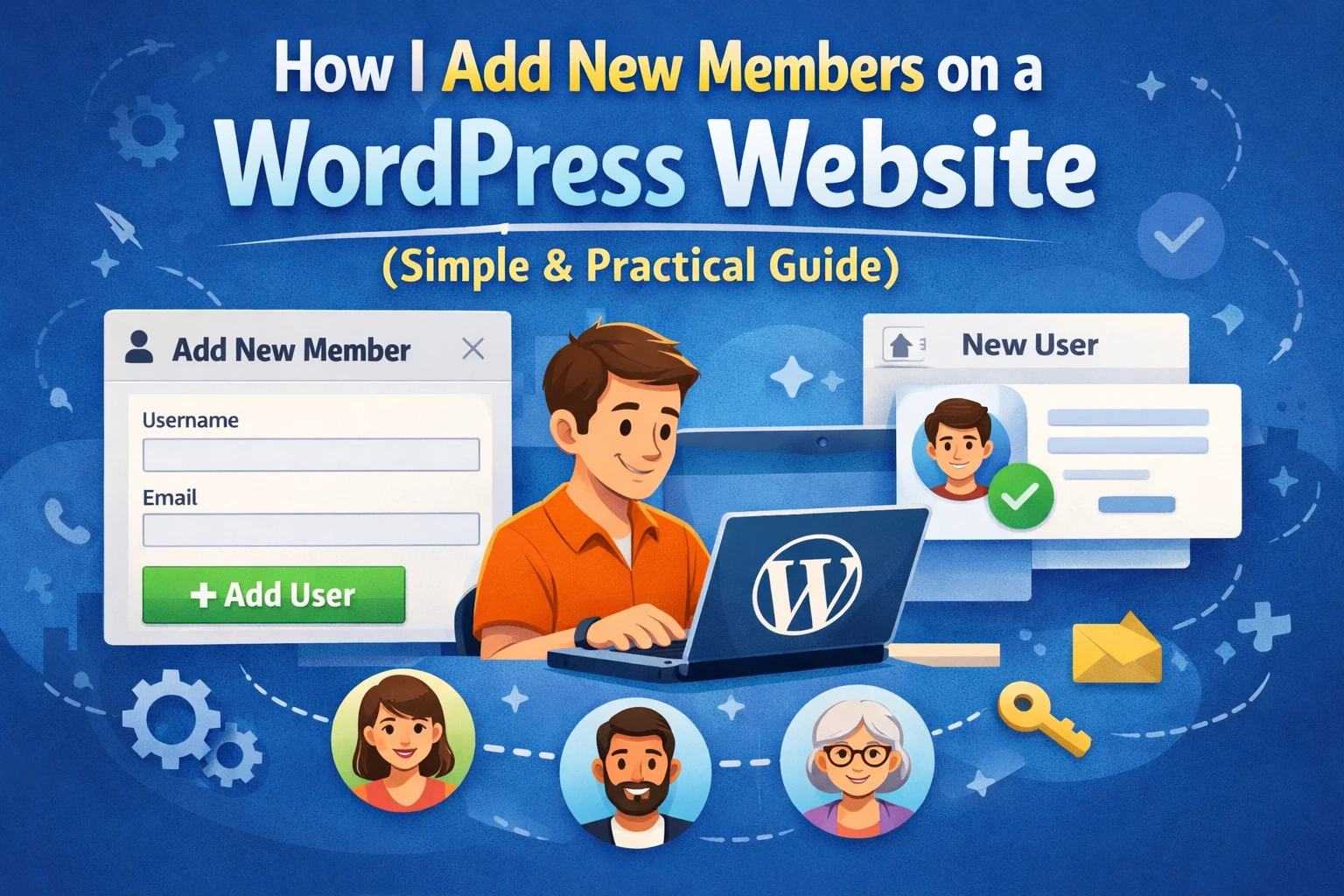
When I first began using WordPress, one thing that confused me a lot was: How do I allow people to sign up on my website?
I didn’t just want visitors. I wanted people who could log in, view content, maybe even have their own dashboard.
If you’re in the same boat, don’t worry. I’ve tried almost every trick WordPress has, and in this article, I’ll show you how to add new members to your WordPress website, in a no-nonsense way.
No complicated tricks. Just what works.
Why You Might Need Members on Your Website
Not all websites need members, but many do.
You might want:
- People to register and log in
- A members-only area
- Users who can comment, post, or use tools
- A private area for clients, students, or customers
- That’s where WordPress user registration comes in.
Option 1: Adding Members Manually (Simple but Handy)
This is the easiest way if you only need to add a few people.
What I do:
- I go to my WordPress Dashboard
- Click Users → Add New
- Enter username and email
- Set the role to Subscriber
- That’s it
This is great for:
- Team members
- Clients
- Test accounts
- Interns
- Testing pages
But let’s be honest, this isn’t very useful if you’re expecting a lot of users.
Option 2:Let Users Register Themselves (The WordPress Way)
WordPress has registration though, but is disabled by default.
How to enable it:
- Settings → General
- Check “Anyone can register”
- Default role: Subscriber
- Save changes
- Users can now sign up from the WordPress login screen.
Real talk:
The pre-configured registration page is rather old-fashioned and amateurish. I almost never use it at real projects.
Option 3: Using a Plugin (That’s What I Most Do)
I’ve simply just stuck to a plugin type of sign-up for most of my sites because it is more visually pleasing and versatile.
Some plugins I’ve used personally:
- Ultimate Member
- User Registration
- WPForms
- Profile Builder
Why plugins are a lifesaver:
- Clean login & registration pages
- mandatory fields (phone, profile picture, etc.)
- Enhanced security
- Email verification
- Less pain
You won’t you feel when using plugins “this looks like default WordPress”.
Option 4: Build Your Own Registration Form (When You Really Want to Be in Charge)
The Plugin Exclusion For other projects, I didn’t use a plugin at all.
I wanted:
- Custom design
- Custom functionality
- Integration with other tools
In that case, I created a custom frontend registration form and integrated it with WordPress through code.
This method is more complicated and it should only be used if:
- You know PHP/WordPress hooks
- You’re building something custom (dashboard, SaaS, tools site)
- For most sites, plugins are sufficient.
We don’t need fancy solutions on day one.
Option 5: Paid Members Only (Subscriptions)
If you’re going to charge your users, then simple registration isn’t sufficient.
For paid memberships, I personally always suggest:
- MemberPress
- Paid Memberships Pro
- Restrict Content Pro
These plugins deal with:
- Payments
- Plans
- Renewals
- Content restriction
They aren’t free, but they’re a huge time-saver.
Selecting the Right User Role (Very Important)
The biggest mistake newbies make is over-assigning user roles.
For public users, always select:
- Subscriber
- Never assign:
- Editor
- Administrator
Unless you trust the user completely.
Things I Always Do for Security
Every time I enable user registration, I always:
- Enable CAPTCHA
- Enable email verification
- Limit login attempts
- Enforce strong passwords
User registration without security is a disaster waiting to happen.
So… Which Method Should You Use?
Here’s my no-nonsense advice:
- Small site → Manual users
- Public site → Registration plugin
- Custom platform → Custom form
- Paid access → Membership plugin
Keep it simple. You can always scale up later.
Final Thoughts (From Experience)
Adding new members to your WordPress site isn’t difficult — it’s just overwhelming at first because there are too many choices.
But once you grasp what your site actually requires, it’s a no-brainer.
If you’re just starting out, use a plugin, keep things simple, and focus on growing your site. You don’t need fancy systems on day one.
If you want us to do this on your behalf contact us for making things happen