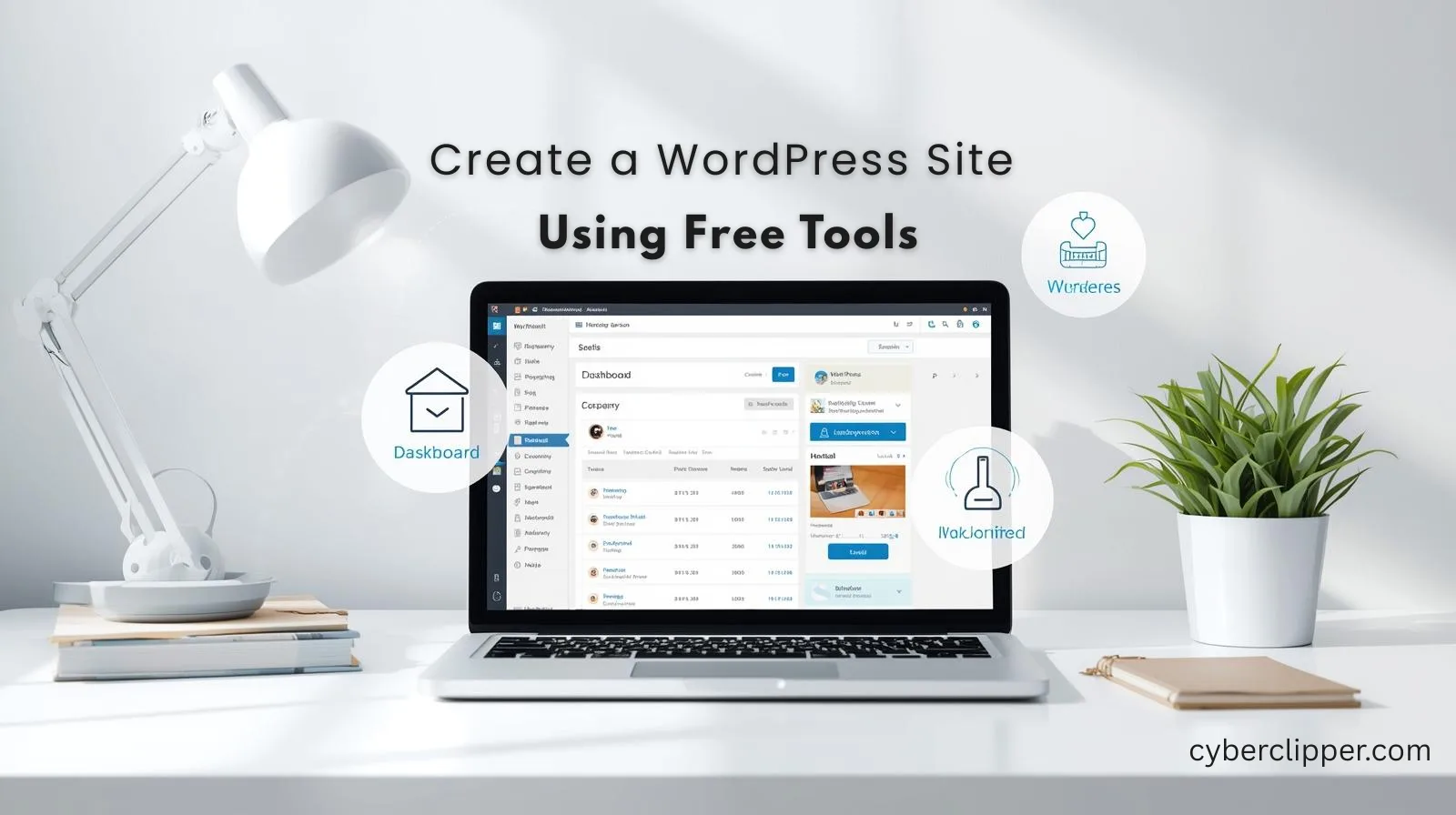
Starting a website can be really scary when you are new to this. You might think that it is going to cost a lot of money or that it’s too hard to understand because it is technical. You might think that you need to know how to code in order to make a website.. The truth is that you can make a clean and professional WordPress site using tools that are free even if you are totally new to making websites and do not know anything about WordPress websites. You can make a WordPress website.
In this guide we will show you how to make a WordPress site for free. We will give you steps to follow. This way you can get your WordPress site live quickly. You do not have to pay anything for your WordPress site. You also do not have to deal with setups for your WordPress site.
What Is WordPress? WordPress.com vs WordPress.org
Before we start it is important to understand what WordPress is. WordPress is the most popular platform for building websites in the world. But there are two types:
- WordPress.com: This is a hosted version of WordPress. You do not need to have a server to use it. The free plans have some limits. When you use the plan your domain name will have “wordpress.com” in it.
- WordPress.org: Self-hosted. It is really good, for people who want their website to control their site fully, can use free themes and plugins, and it’s ideal for long-term growth.
For beginners looking for a free setup, WordPress.com is the simplest start. If you want more control, WordPress.org paired with free hosting options works great too.
Free Tools You Need to Build Your WordPress Site
To build a WordPress site you need some free tools. WordPress site building is not that hard when you have the free tools.
- Free Hosting Options
- Examples: InfinityFree, 000webhost, AwardSpace.
- These let you host your WordPress site at no cost.
- Free Themes
- WordPress has a lot of themes that you can use. It is really good because it gives you many options to make your website look nice. You can choose from hundreds of themes when you use WordPress.
- Choose one that fits your site style and is mobile-friendly.
- Free Plugins
The essential plugins that you need to have include:
- Yoast SEO (for SEO)
- Wordfence Security (for security)
- Elementor (for drag-and-drop page building)
- Free Images & Graphics
- You can find great pictures on Unsplash, Pexels and Pixabay. These websites have a lot of quality free images that you can use on your site. Unsplash, Pexels and Pixabay are all places to look for free images.
Step-by-Step Guide to Setting Up WordPress for Free
Here’s how to create your WordPress site in quick steps:
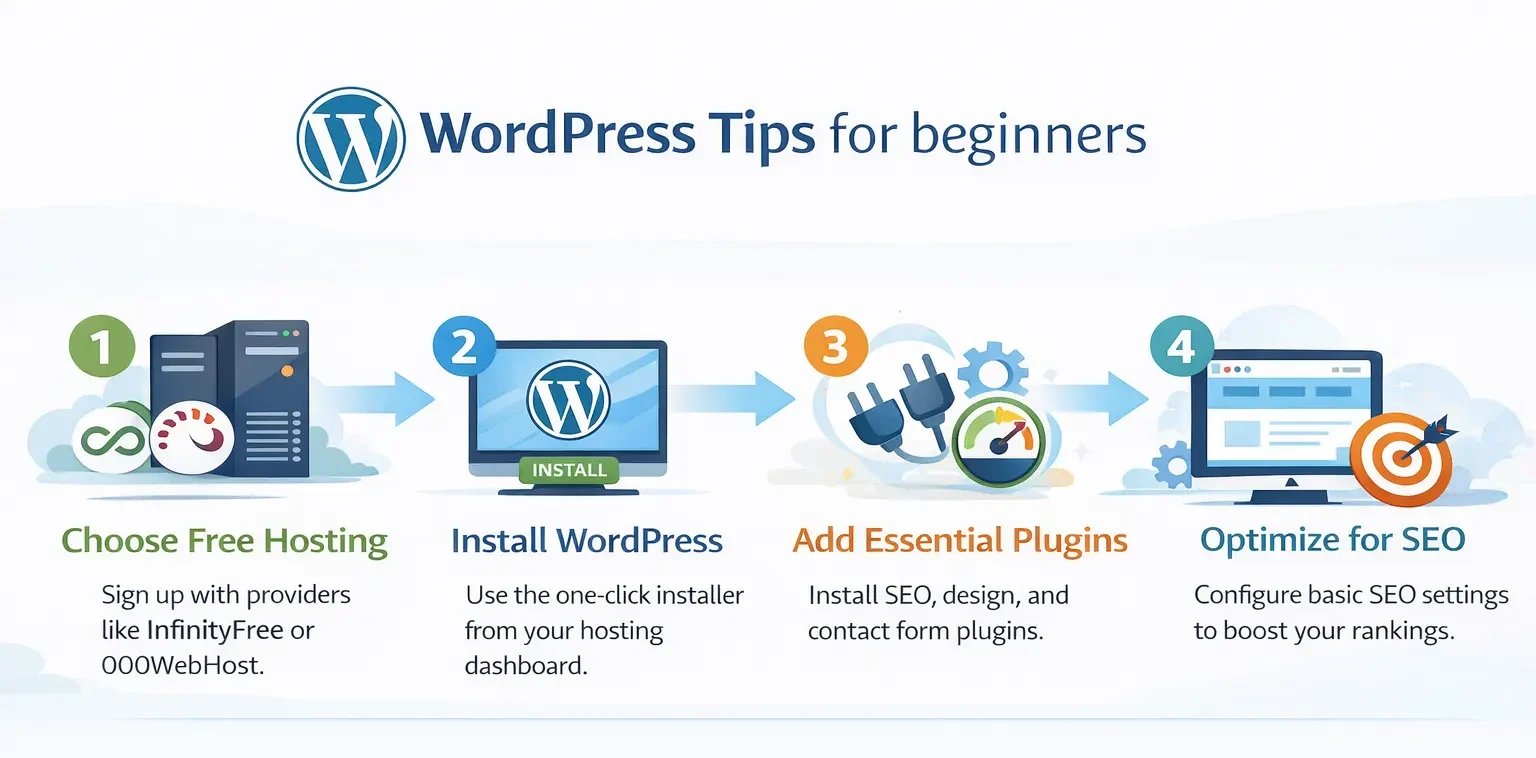
- Sign Up for Free Hosting
- Pick a free hosting service. Sign up and get your temporary domain.
- Install WordPress
- A lot of the hosting sites have a really easy way to get WordPress up and running. You can use the one-click WordPress installer to get started with your website. Just do what the prompts tell you to do. You will have your site set up in no time with the one-click WordPress installer.
Choose a Free Theme
Go to Appearance → Themes → Add New. - Preview themes and activate the one you like.
- A lot of the hosting sites have a really easy way to get WordPress up and running. You can use the one-click WordPress installer to get started with your website. Just do what the prompts tell you to do. You will have your site set up in no time with the one-click WordPress installer.
- Install Essential Plugins
- Go to Plugins → Add New → Search and install: Yoast SEO, Wordfence, Elementor.
- Now you can look at all the themes and pick the one that you really like, then you can activate the theme you have chosen. Create Core Pages
- Go to Pages → Add New. Create:
- Home
- About
- Contact
- Use Elementor or the WordPress block editor to design them.
- Customize Your Site
- Adjust colors, fonts, header, footer, and menus via Appearance → Customize.
- Set Up Basic SEO
- Use Yoast SEO to optimize page titles, meta descriptions, and keywords.
- Submit your site to Google Search Console for indexing.
Common Beginner Mistakes to Avoid
When people are just starting out with something they often make mistakes that can be easily avoided. Making mistakes is a part of the learning process for beginners. Beginners should try to learn from the mistakes of beginners. The following are mistakes that beginners make.
- Not taking the time to properly understand the basics of what they’re doing.
- Not asking for help when they need it because beginners are afraid of looking stupid.
- Trying to do too much too soon which is a big mistake that beginners make
- Not being patient, with themselves because learning something takes time for beginners
The mistakes that beginners make can be costly so it is important for beginners to be careful and try to avoid these mistakes. Beginners should remember that everyone makes mistakes, people who are not beginners.
With free tools beginners can have a tough time. You need to watch out for these things:
- Using too many plugins (can slow down your site)
- Ignoring mobile responsiveness
- Skipping SEO basics
- Not securing your site with free security plugins.
Publish and Keep Improving
When your pages are ready, hit Publish. It is okay if they are not perfect. You can start with something and then make your content better. You can also look at plugins to get some extra things on your website. After a while your free WordPress site can turn into a website for your blog or the things you have done or your small business.
Final Thoughts
Creating a WordPress website doesn’t have to be expensive or technical. By using free tools beginners can launch a site in just a few hours. Follow these quick steps on how to create a WordPress site using free tools, avoid common pitfalls, and enjoy the journey of building your online presence.